Free Grammar Checker
Write with confidence. Check your text for grammar, spelling, and punctuation mistakes in seconds. UnAIMyText helps you clean up your writing, improve readability, and communicate your ideas more clearly.
- Free online grammar checking
- Quick, easy-to-understand corrections
- For essays, emails, articles, and everyday writing
Paste your text below to get started. No complicated setup required.
Check Your Writing
Paste or type your text below to identify potential mistakes and improve your writing.
More Than a Quick Spell Check
Catching a typo is helpful, but good writing is about more than spelling. Grammar, punctuation, and sentence structure all affect how your message comes across.
The UnAIMyText Grammar Checker helps you spot potential issues and make your writing easier to understand, whether you're polishing a school assignment, preparing a professional email, or editing something you've written for yourself.
Grammar and sentence structure
Identify grammatical mistakes and review suggested improvements to sentence construction.
Spelling and punctuation
Catch common spelling errors, misplaced punctuation, and other writing issues.
Clarity and readability
Find opportunities to make sentences clearer and easier to follow without unnecessarily complicating your writing.
Keep your meaning intact
Use suggested edits as a guide while retaining the ideas, tone, and personal style that make your writing yours.
Check Your Grammar in Three Simple Steps
- 1
Paste your text
Copy your writing into the checker. You can start with a sentence, a paragraph, or a longer document of up to 5,000 words.
- 2
Review the suggested corrections
Check the issues identified and consider which changes make sense for your intended meaning.
- 3
Polish your final draft
Apply the corrections you want, then read the text once more to make sure it sounds natural and says what you intended.
Better Writing for Everyday Tasks
The Grammar Checker can be useful whenever you want another look at your writing.

Students
Review essays, assignments, reports, and discussion posts before submitting your work. Use corrections to learn from recurring mistakes.

Professionals
Polish emails, proposals, presentations, and reports so your message is clear and professional.
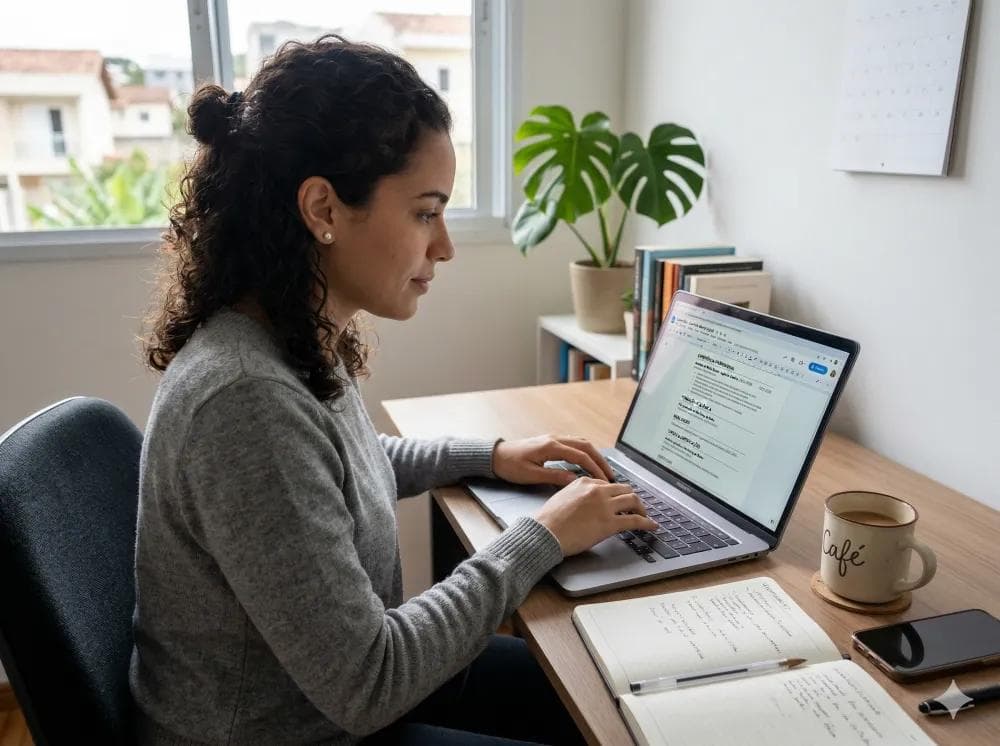
Writers and content creators
Catch small errors while editing blog posts, articles, website copy, and other written content.
Choose the Right Writing Tool
These tools address different questions about your text.
| Tool | What it helps you check |
|---|---|
| Grammar CheckerThis page | Grammar, spelling, punctuation, and writing clarity |
| AI Checker | Signs that text may have been generated by AI |
| Plagiarism Checker | Text similarity that may warrant an originality review |
A piece of writing can be grammatically correct and still contain copied material. Likewise, original writing can contain grammar mistakes. Use the tool that matches the issue you want to investigate.
Explore all writing tools:
Frequently Asked Questions About the Grammar Checker
Everything you need to know about checking your writing with UnAIMyText.
1What is the UnAIMyText Grammar Checker?
It's a free online writing tool that finds grammar, spelling, and punctuation mistakes, fixes them, and suggests ways to make your text clearer. Every change is highlighted, so you can see exactly what was corrected.
2Is the Grammar Checker free?
Yes. You can check up to 5,000 words at a time for free.
3Do I need to create an account?
No. Paste your text or upload a file and check it right away, without signing up or giving an email address.
4Can I check an entire essay?
Yes, if it's 5,000 words or fewer. Paste it in or upload a PDF, Word (.docx), or .txt file up to 10MB. For longer documents, watch the word counter and check the text in sections.
5Does it check spelling and punctuation?
Yes. Grammar, spelling, and punctuation mistakes are all corrected and highlighted. You also get optional clarity, engagement, and delivery suggestions, plus readability measures such as reading ease and sentence length.
6Can it fix grammar mistakes automatically?
Yes, for clear errors. Fixes are applied for you and highlighted in green, and you can undo any of them. Style suggestions, such as splitting a long sentence, are never applied automatically: pick a replacement to apply one, or dismiss it. Then copy the corrected text.
7Does it change the meaning of my writing?
Corrections aim to fix errors, not rewrite what you said, and the checker keeps your spelling style, so American and British spellings stay as you wrote them. A fix can still change the nuance of a sentence, so read the result and undo anything that doesn't fit.
8Can I use it for academic writing?
Yes. Students can use grammar feedback to review essays, reports, and other assignments. Always follow your school's rules on permitted writing assistance.
9Is it useful for professional emails?
Yes. Checking an email before sending it can help you catch small mistakes and make your message easier to understand.
10Can it improve readability?
Grammar and sentence-level suggestions can help make writing clearer, and the checker shows reading ease, grade level, and sentence length before and after your changes. Readability also depends on organization, vocabulary, and how well the content fits its audience.
11Does a grammar checker detect plagiarism?
No. Grammar checking and plagiarism checking are different tasks. Use the UnAIMyText Plagiarism Checker to compare your text against published sources.
12Does it detect AI-generated writing?
No. Grammar checking alone does not establish whether text was written by a person or generated by AI. Use the UnAIMyText AI Checker for an AI-writing assessment.
13Will it make my writing sound completely human?
Correct grammar makes writing easier to read, but it can't guarantee a particular writing style or determine who wrote the text. Your own editing remains important.
14Should I accept every suggested correction?
No. Review each suggestion in context. A change that works in a formal report may not suit a casual message, a creative piece, or a sentence where you intentionally use a particular style. The checker also only applies fixes it's confident about, so give your text a final read before you submit or publish.